Compass & course line
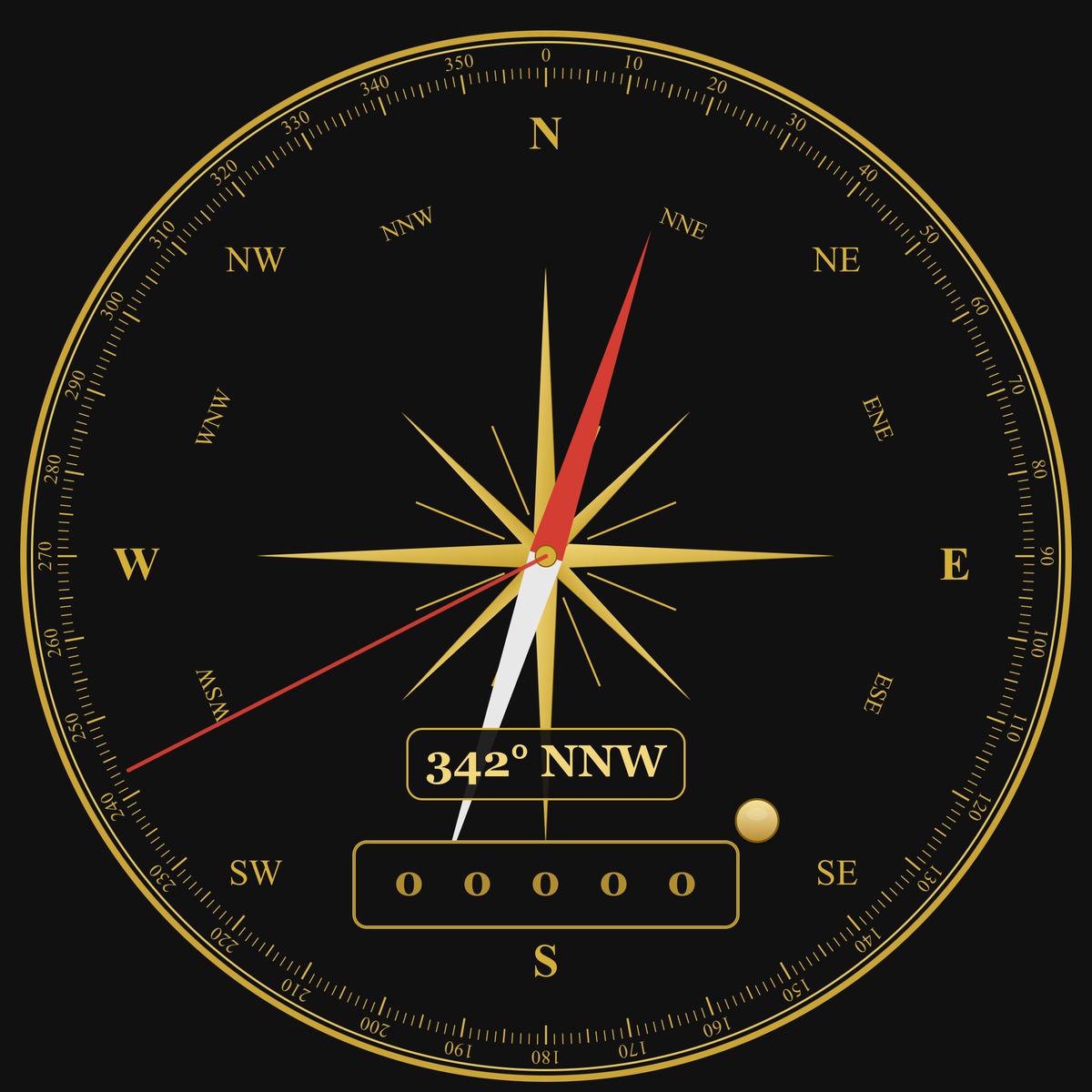
The current direction is shown directly. A red course line can be activated with a two-finger gesture and then rotated to the desired course with one finger.
Orientation, time & movement
One shared circular interface combines compass, analogue clock, alarm and step statistics. The app is intentionally clear and direct to use.
Features
The current direction is shown directly. A red course line can be activated with a two-finger gesture and then rotated to the desired course with one finger.
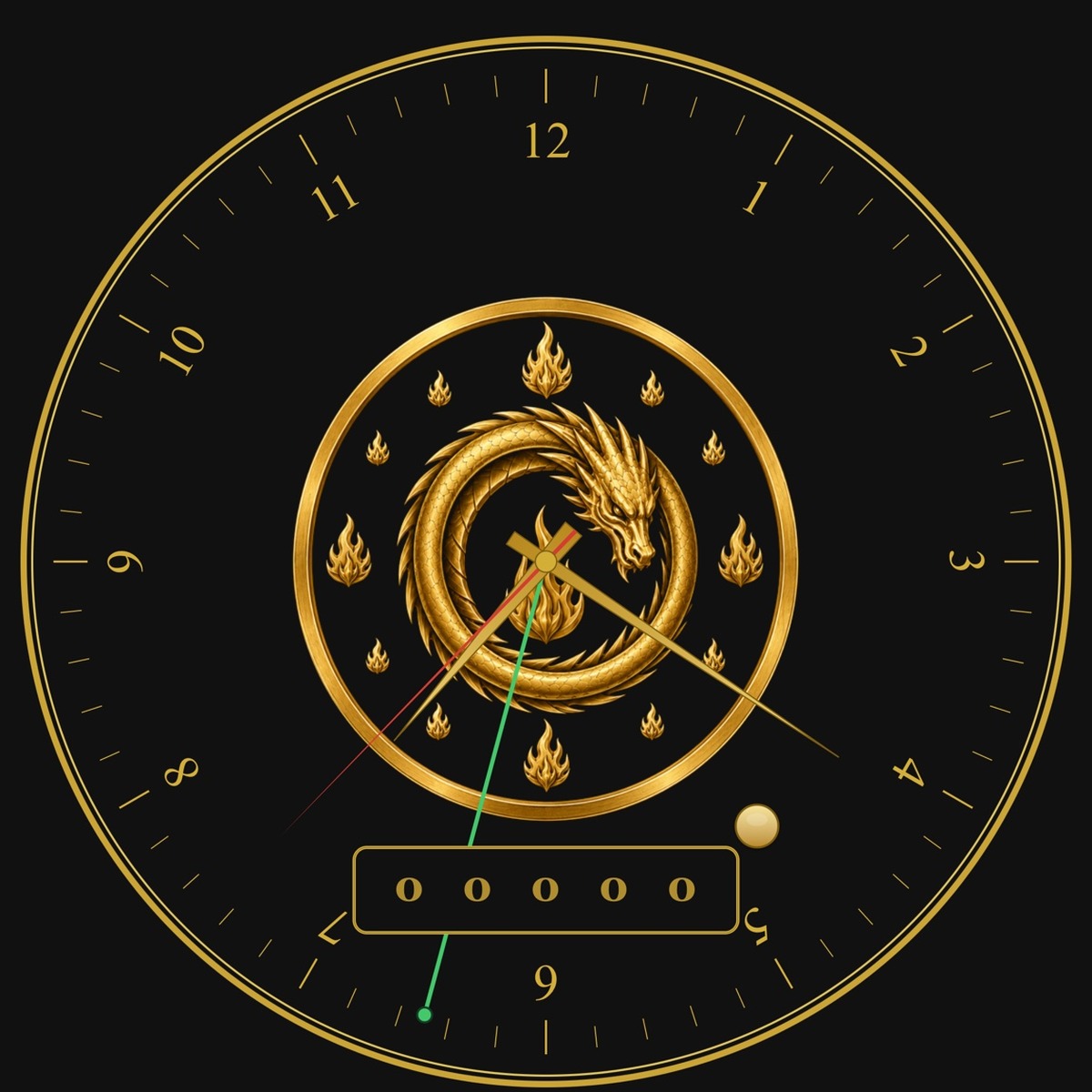
The clock offers several designs. Version 1.1 adds a green alarm-time line: switch it on, set it on the clock and choose an alarm sound.
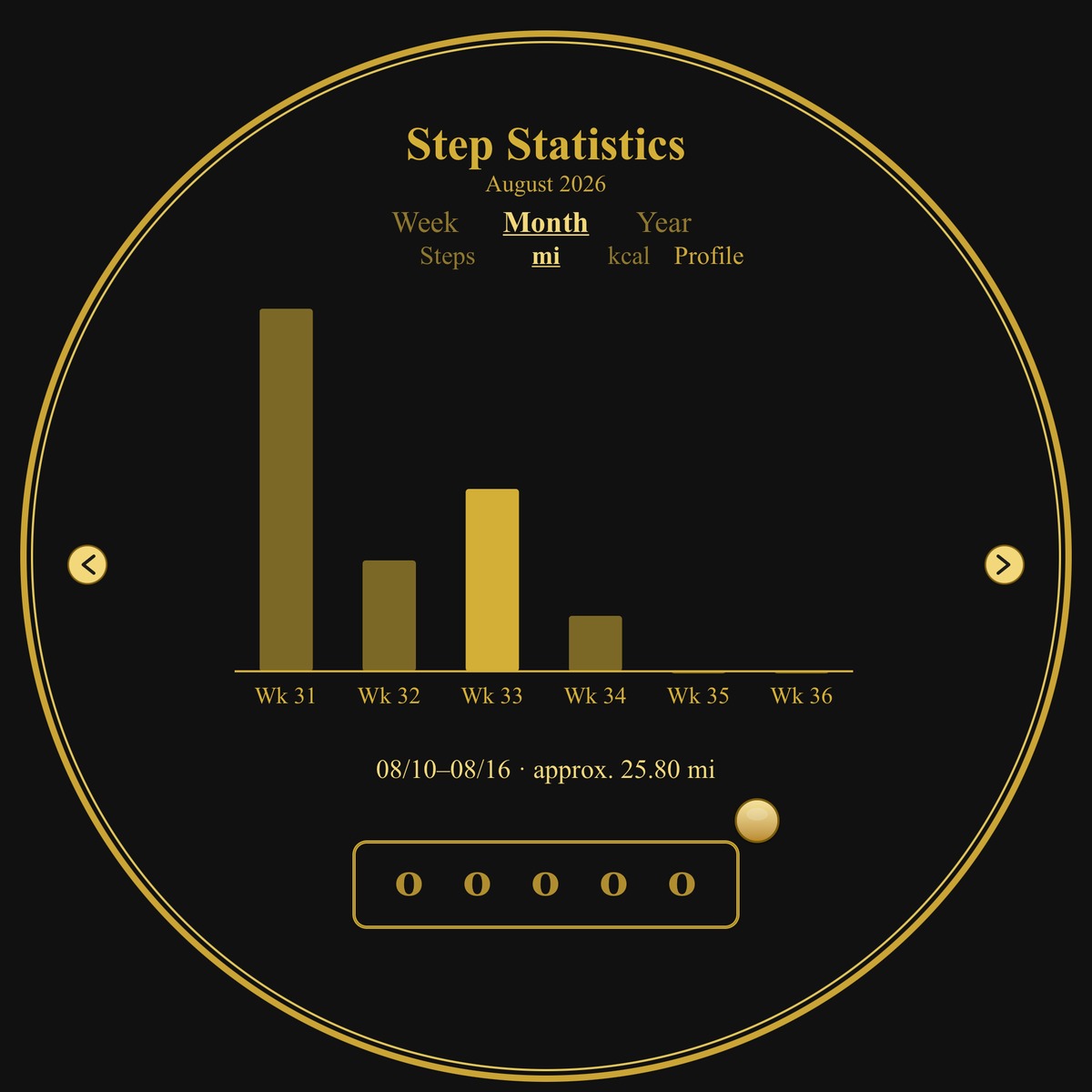
Daily values plus weekly, monthly and yearly statistics show steps, distance and calories. Existing health data can – after permission – be used for statistics.
German and English can be used independently of the unit system. Metric shows km, kg and cm; imperial shows mi, lb and in.
Availability
The app is available as a regular release on the App Store and Google Play.
The current version for iPhone and iPad is available as a regular release on the App Store.
View on the App StoreThe current Android version is publicly available on Google Play. Compass, clock, pedometer and statistics, plus the barometer on supported devices, are included in the regular release.
View on Google PlayThe guide to the compass, course line, clock, alarm, step statistics, language and units is available as a PDF in six languages.
Open user guideCompass, motion and health data are processed on the device for app functions. More information is available in the privacy policy.
Privacy policyQuestions, bug reports and feedback are welcome. Contact options are listed in the legal notice.
Contact options